Illustration, not a photograph.
The best gaming headset under $100 for a PS5 or a Switch 2 is the one that connects the way your console expects, not the one with the longest feature list. A PS5 takes USB audio or the DualSense’s 3.5 mm jack; a Switch 2 takes USB, a 3.5 mm plug, or Bluetooth without a microphone. Settle the connection first, then the microphone, battery and fit.
How we chose. Every headset below was checked against its maker’s own US product, specification or support page in November 2026. We have not used these headsets. “Best” here means “worth shortlisting at this price for these two consoles”; it is not a ranking, and no single winner is named.
About the $100 in the title. Every headset listed had a manufacturer list price below $100 when we checked the makers’ pages in November 2026. Prices change and retailers differ, so check the current price on the listing; no prices are quoted here.
The shortlist, described in the makers’ own terms:
| Headset | Connection | Works with, as the maker states | Microphone |
|---|---|---|---|
| Logitech G325 LIGHTSPEED | 2.4 GHz USB-A receiver + Bluetooth | PS5, PC, Nintendo Switch / Switch 2 | Boomless beamforming mic with AI noise reduction |
| PowerA LucidSound LS500 | USB adapter (2.4 GHz) + Bluetooth | PlayStation 5, PlayStation 4, PC, mobile; Switch 2 not stated by the maker | Flip-to-mute boom mic with noise reduction |
| Turtle Beach Stealth 500 for Switch 2 | 2.4 GHz USB-C transmitter + Bluetooth for mobile | Nintendo Switch 2, mobile; PS5 not stated by the maker | Omni-directional, flip-to-mute |
| Razer BlackShark V2 X | Wired 3.5 mm | PC, Mac, PS5, Xbox, Nintendo Switch, Steam Deck, mobile; Switch 2 not stated by the maker | Razer HyperClear cardioid |
| SteelSeries Arctis Nova 1 | Wired 3.5 mm | PS4/PS5, Xbox, PC, Mac, Chromebook, handheld/Switch, mobile, VR; Switch 2 not stated by the maker | ClearCast Gen 2 bidirectional, noise-cancelling, retractable |
What to Check Before You Buy a Gaming Headset
Five checks cover almost everything, and the order matters. Compatibility decides whether the headset works on your console; the connection decides how it plugs in and what you give up; the microphone decides whether you can talk; comfort decides whether you keep wearing it; battery decides how often you stop. A set that fails the first check cannot be rescued by the rest.
The second check is where listings mislead. A headset that supports Bluetooth is not automatically one that works wirelessly on a PS5, which does not accept generic Bluetooth audio, and a set that works on a Switch is not automatically a Switch 2 headset. The table above shows, in each maker’s words, which consoles each set is sold for.
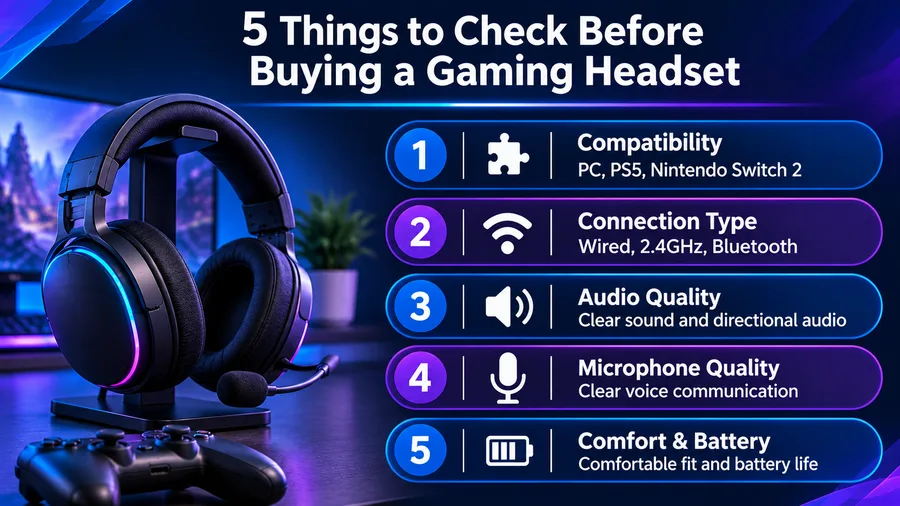
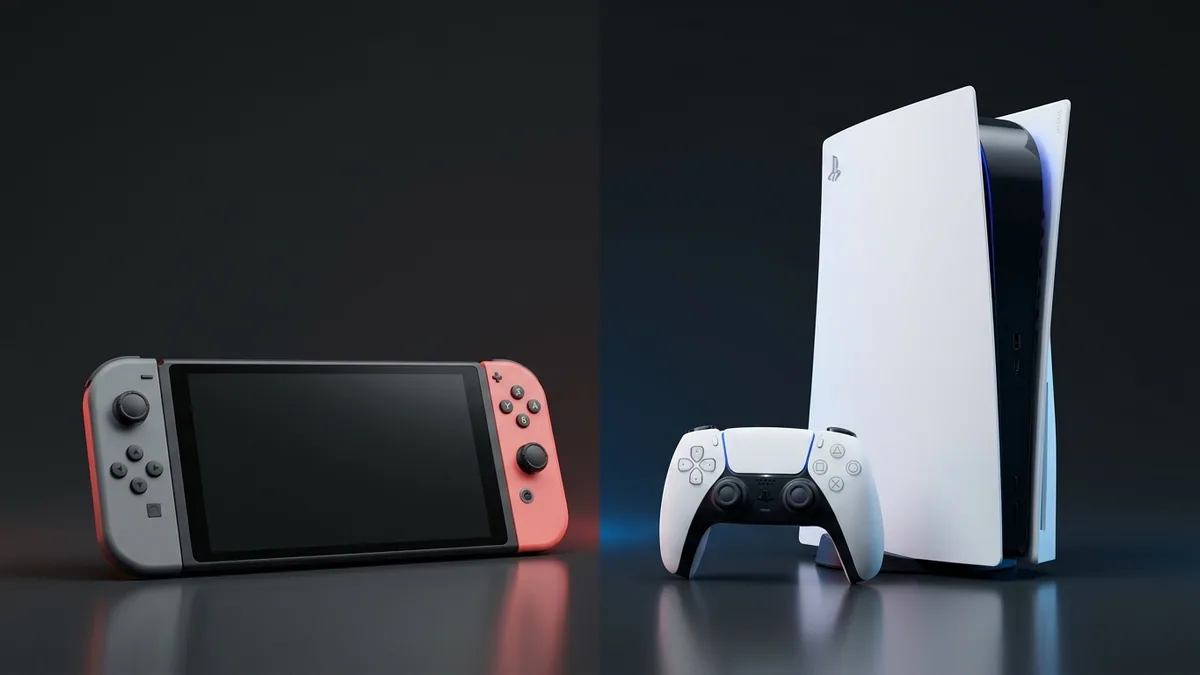
Illustration, not a photograph. The graphic lists the same five checks in the same order, compatibility first because it is the one that cannot be worked around.
2.4GHz Wireless or Bluetooth: What the Difference Costs You
A 2.4GHz headset carries its own radio link through a small USB transmitter you plug into the console, which is why every wireless set here ships with one: Logitech calls the G325’s link LIGHTSPEED, PowerA supplies a USB adapter with the LS500, and Turtle Beach puts a USB-C transmitter in the box with the Stealth 500 for Switch 2. The transmitter buys a low-latency link and occupies a port.
Bluetooth pairs the headset directly with a device, with no dongle, which is what makes these sets useful on a phone and why the makers advertise quick switching. It is also the mode with the caveats: Nintendo’s Switch 2 pages warn that latency may vary by device, that Bluetooth audio cannot run alongside local wireless, and that only two controllers can be paired meanwhile.
On a PS5, Bluetooth is not a route at all. Sony’s pairing page has you plug a headset’s USB adapter into the console, and its error page for CE-109531-9 states that a Bluetooth audio device is not compatible with PlayStation 5 consoles. A Bluetooth-only headset will pair with your phone and not with your PlayStation.
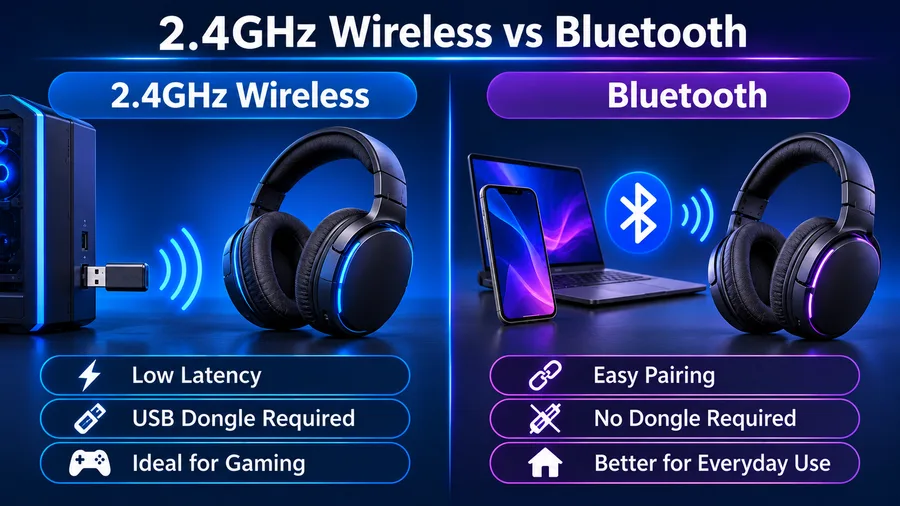
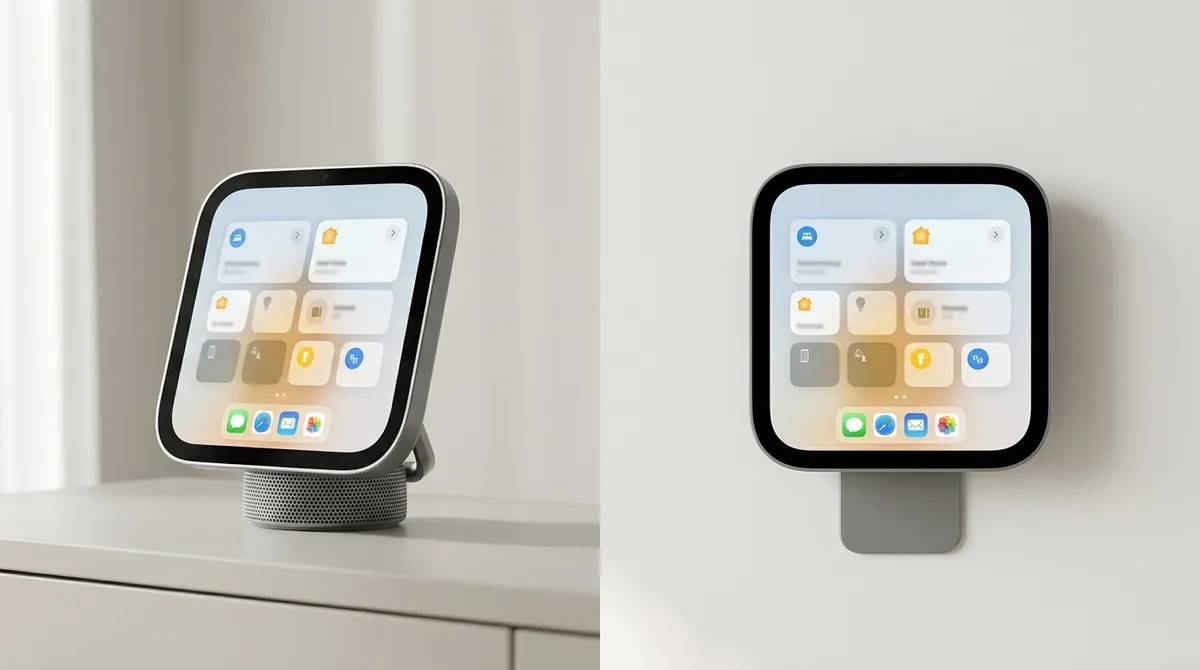
Illustration, not a photograph. The panels show the same headset on both sides of the choice: a dongle feeding the audio, a direct pairing to a phone. The dongle is the part a PS5 accepts.
Wired or Wireless
A wired headset removes two problems and adds one. There is no battery to charge and no transmitter to lose, and a 3.5 mm plug fits anything with a jack: Sony’s DualSense page says a headset connects to the controller’s 3.5 mm jack, and both wired sets here list PlayStation and Switch support. The problem is the wire between your head and your hands.
Wireless sets trade that for a battery and a dongle. If the controller is always in your hands, wired is simpler; if you move between a sofa and a desk, the dongle earns its port. The figures are claims: Logitech rates the G325 at 24+ hours, PowerA rates the LS500 at up to 50 hours in wireless mode and 70 over Bluetooth, and Turtle Beach rates the Stealth 500 for Switch 2 at up to 40 hours.
Comfort, Microphone and Setup
Weight is the comfort number most makers publish. Logitech puts the G325 at 212 g, Razer lists the BlackShark V2 X at 240 g, and PowerA lists the LS500 at 0.265 kg. SteelSeries publishes no weight for the Arctis Nova 1 on its US page, describing it as ultra-light with a four-point adjustable band.
Microphones differ more than any other part. The G325 has no boom: its beamforming mic is built into the earcup and relies on AI noise reduction. The LS500 and BlackShark V2 X use boom mics, the Arctis Nova 1’s ClearCast retracts into the earcup, and the Stealth 500’s omni-directional mic flips up to mute.
Setup is where the software lives. Logitech’s G HUB and Turtle Beach’s Swarm II app handle EQ, mic settings and firmware; SteelSeries puts EQ and spatial audio in its Sonar software for Windows. PowerA keeps volume, game/chat balance and mic monitoring on the earcup.
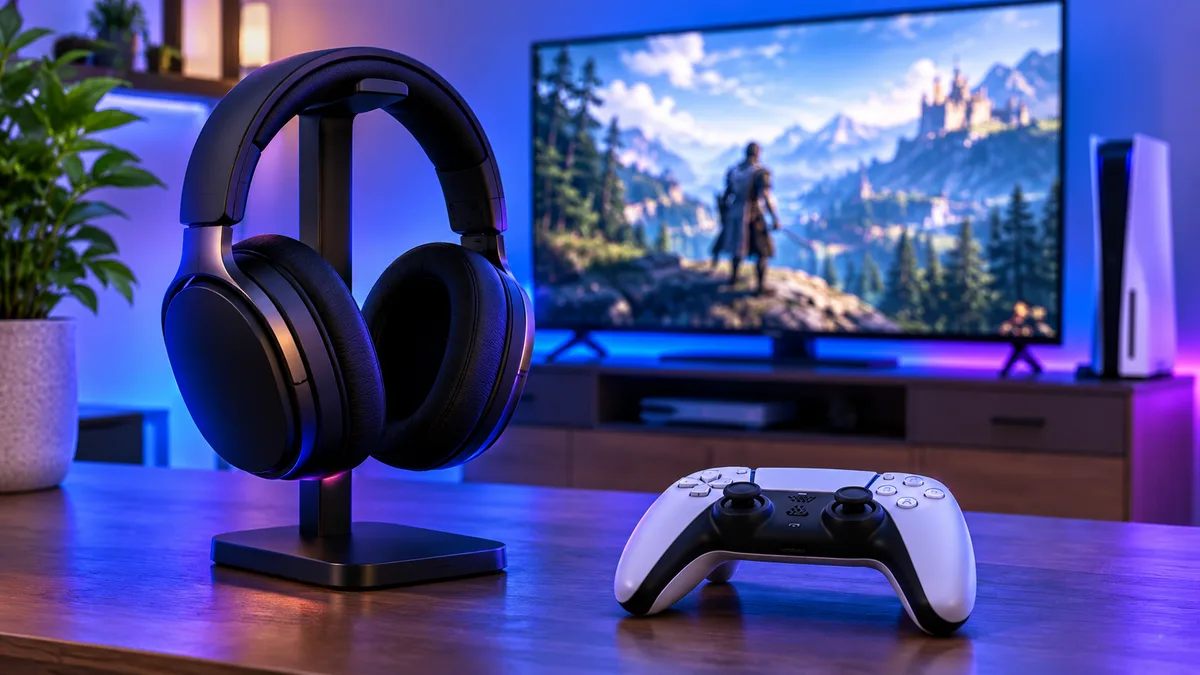
Illustration, not a photograph. This is the arrangement the section describes rather than a product photo: a headset within reach, a controller on the desk, a TV in front.
PS5 and Switch 2: What Each Console Actually Supports
The PS5 takes a headset two ways: through a USB audio device and through the 3.5 mm jack on the DualSense. Sony’s pairing page has you plug the headset’s USB adapter into the console and sends third-party owners to the manufacturer’s instructions; its Bluetooth error page states that a Bluetooth audio device is not compatible with PS5 consoles. For a wireless headset, the dongle is mandatory.
The Switch 2 is more open and more particular at once. Nintendo supports Bluetooth audio — System Settings, Bluetooth Audio, Pair Device — and says a paired device becomes the audio output. That page lists the exceptions: Bluetooth microphones cannot be used, latency may vary, Bluetooth audio cannot run alongside local wireless, and only two controllers can be paired. A Bluetooth headset therefore gives game sound and no voice chat, which is the gap the 2.4GHz Switch 2 sets fill.
Compatibility lists are not permanent, so check the maker’s page for the exact model before you buy — including the lists in this article.
Five Headsets Under $100
Five headsets, described only from what each maker publishes for the US model, read in November 2026. We have not used any of them, and none of these is a ranking.
Logitech G325 LIGHTSPEED
The only headset here whose maker names both consoles: Logitech’s product page lists the G325 as compatible with PS5, PC and Nintendo Switch / Switch 2. It connects over LIGHTSPEED 2.4GHz through a USB-A receiver, with Bluetooth for handhelds and phones, and Logitech rates the battery at 24+ hours and the weight at 212 g, with 24-bit audio for games. The microphone is built in rather than mounted on a boom, and Logitech says it uses AI-powered noise reduction to cut keyboard and fan noise. It suits someone who wants one headset for a PlayStation and a Switch 2 without a mic arm in front of their face. Skip it if you want a boom you can position, or if you would rather not manage a battery at all.
PowerA LucidSound LS500
The PlayStation-first option: PowerA’s page says the LS500 works with PlayStation 5, PlayStation 4, PC and mobile devices, with no Xbox or Switch 2 claim. It connects by the included USB adapter for wireless on a PlayStation or a PC, or over Bluetooth for a phone, and PowerA rates it at up to 50 hours in wireless mode and up to 70 hours over Bluetooth. Audio comes from 50 mm drivers with three EQ modes, including an FPS setting, and the flip-to-mute boom mic has built-in noise reduction plus mic monitoring so you can hear your own voice. It suits a PS5 owner who also wants one headset for calls and music on a phone. Skip it if you need Xbox support, or if the Switch 2 is your main console.
Turtle Beach Stealth 500 for Nintendo Switch 2
Turtle Beach sells this as the first officially licensed wireless headset for the Switch 2, and the page is built around that claim. It connects through a USB-C transmitter for low-latency 2.4GHz audio on the console, with Bluetooth for mobile devices, and a QuickSwitch button moves between the two. Turtle Beach lists 40 mm drivers, an omni-directional microphone that flips up to mute, an ultra-light floating headband with memory foam cushions, and up to 40 hours of battery; the Swarm II app adds EQ presets, mic settings and firmware updates. It is the pick for a docked Switch 2 where you want wireless chat as well as game audio, since Bluetooth alone cannot carry a microphone on the console. Skip it if your main console is a PS5 — Turtle Beach makes no PS5 claim for this version.
Razer BlackShark V2 X
The simplest thing here: a 3.5 mm headset with no battery, no dongle and no app to install. Razer lists it for PC, Mac, PS5, Xbox, Nintendo Switch, Steam Deck and mobile, with TriForce 50 mm drivers, a bendable HyperClear cardioid microphone, closed earcups for passive noise isolation and a weight of 240 g. The 7.1 surround feature is Windows 11 only, so on a console you get stereo, and Razer’s page says so rather than leaving it implied. It suits someone who wants to plug into a DualSense and a Switch controller and never think about charging. Skip it if you want wireless, or if you need a compatibility statement for the Switch 2 — Razer’s list says Switch.
SteelSeries Arctis Nova 1
The wired set with the most platform claims: SteelSeries lists the Arctis Nova 1 for PS4 and PS5, Xbox, PC, Mac, Chromebook, handheld and Switch, mobile and VR through the 3.5 mm jack, and says it is fully compatible with Tempest 3D Audio on PS5. The ClearCast Gen 2 microphone is bidirectional, noise-cancelling and retracts into the earcup, and the controls are a volume dial and a mute button on the headset. SteelSeries lists 40 mm neodymium drivers, 36 ohm impedance and a four-point adjustable ComfortMAX band, and does not publish a weight on the US page. It suits a player who wants a light wired headset with a mic that disappears when it is not in use, on either console. Skip it if you want wireless, or if you need SteelSeries to say Switch 2 — its list says Switch.
Which One Fits You
A short version, from the differences above and nothing else:
- Choose the G325 if one headset has to serve a PS5 and a Switch 2 — it is the only pick whose maker states both.
- Choose the LS500 if the PS5 comes first and you also want Bluetooth for calls on a phone.
- Choose the Stealth 500 for Switch 2 if the console is mostly docked and you want wireless chat from the same dongle.
- Choose the BlackShark V2 X if you want to plug into a controller and never charge anything.
- Choose the Arctis Nova 1 if you want a wired headset with a retractable mic and PS5 3D audio support.
Frequently Asked Questions
No. Sony’s pairing page has you plug a headset’s USB adapter into the console, and its DualSense page says a headset connects to the controller’s 3.5 mm jack. What the PS5 does not accept is a generic Bluetooth audio device: Sony’s error page for CE-109531-9 says one is not compatible with PlayStation 5 consoles.