To reduce night-time eye strain with a monitor lamp: choose one with auto-dimming, flicker-free drivers and RA98 color rendering, position it to light the desk not your eyes, and pair it with the 20-20-20 rule — but the right setup also depends on your monitor curvature, whether your desk is shared with a partner, and how much ambient light is already in the room.
Eye strain at night is rarely caused by the monitor itself. It is the contrast: a bright screen in a dark room makes your pupils hunt for light and your eyes work overtime.
How does a monitor lamp reduce eye strain?
The fix is ambient light behind and around the screen. A monitor light bar sits on top of your display and lights your desk evenly — no glare on the screen, no dark spots where your hands work. According to the American Optometric Association, reducing the luminance contrast between screen and room drops the workload on your focusing muscles in half.
What features actually matter on a monitor lamp?
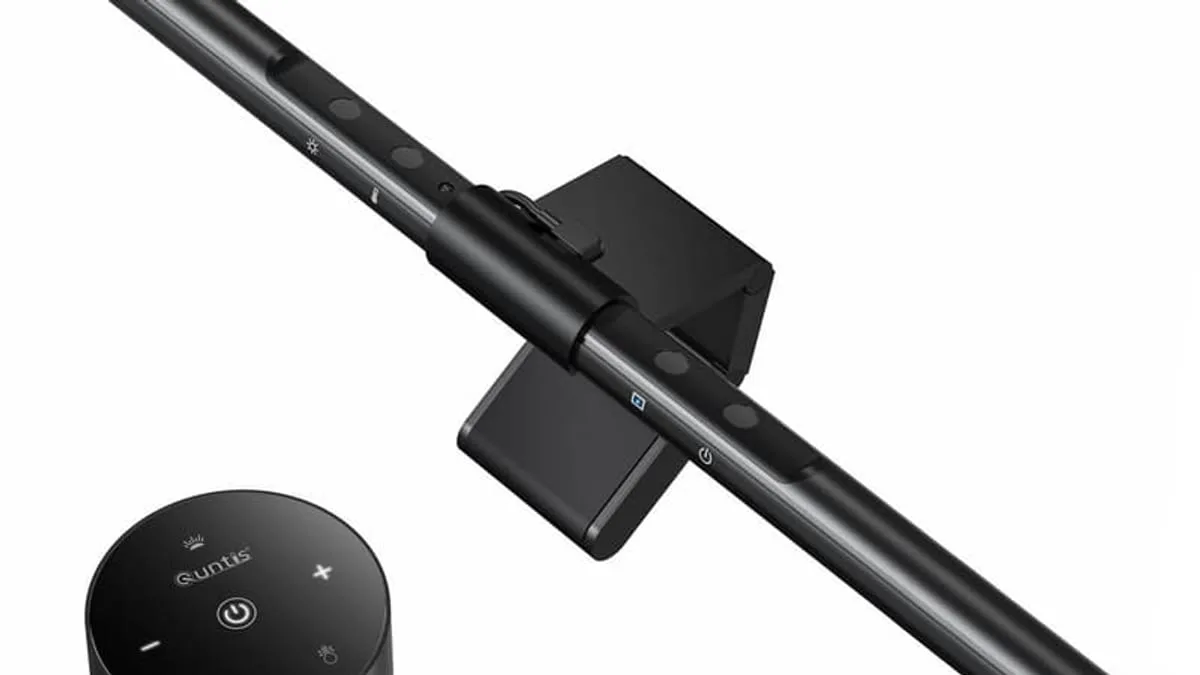
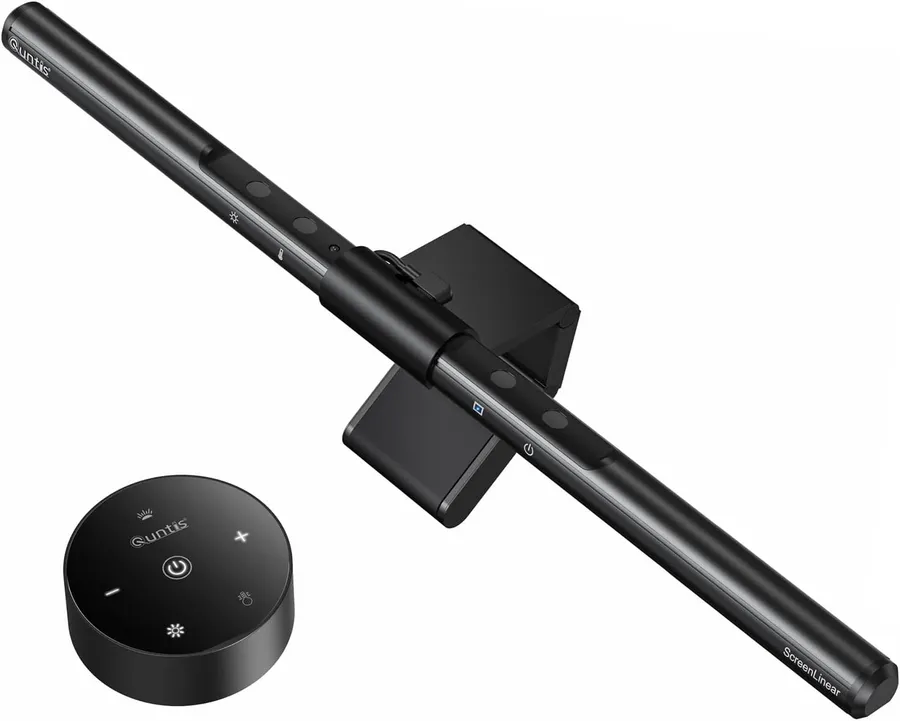
Look for a few specific features. Auto-dimming sensors adjust brightness to your room, flicker-free drivers prevent the invisible strobe that causes headaches, and high color rendering (RA98) shows accurate colors while you work. Touch controls on the bar itself beat tiny remote buttons for shared-desk setups.
How should you position a monitor lamp?
Position matters: the bar should light the desk area just below the monitor, not shine into your eyes. Angle it slightly forward and down. A good rule: if you can see the LED diodes from your seated position, angle it down more — glare on the monitor itself is the enemy.
What is the 20-20-20 rule for eye strain?
Pair your lamp with the 20-20-20 rule: every 20 minutes, look at something 20 feet away for 20 seconds. That single habit does more for eye fatigue than any gear, and it works because it relaxes the ciliary muscle that holds your focus on close objects.
What is the best monitor lamp for 2026?
The Quntis ScreenLinear Pro covers the essentials — auto-dimming, flicker-free, touch control and stepless dimming — at $39.95, which makes it the easiest ergonomic upgrade you will make this year. It mounts with a weighted clamp so no monitor modification is needed.
Does a monitor lamp help with video calls too?
A monitor lamp also makes video calls look better by evening out your face lighting. The lamp does double duty as a soft key light for webcam video, which is why many remote workers install one even if they never work at night.
Quick monitor-lamp checklist
- Auto-dimming sensor: matches brightness to your room in real time.
- Flicker-free driver: eliminates the invisible strobe linked to headaches.
- RA98 color rendering: accurate colors for design work or photo editing.
- Touch controls on the bar: easier than a remote for shared desks.
- Weighted mounting clamp: no monitor modification or adhesive needed.
- 20-20-20 habit: every 20 min, look 20 feet away for 20 seconds.
As an Amazon Associate, I earn from qualifying purchases.
Frequently Asked Questions
No — quality bars are designed to light the desk in front of the screen, with the light path cut off so it never reflects off the display.